PixelLab: The Best AI Tool for 2D Pixel Art Games
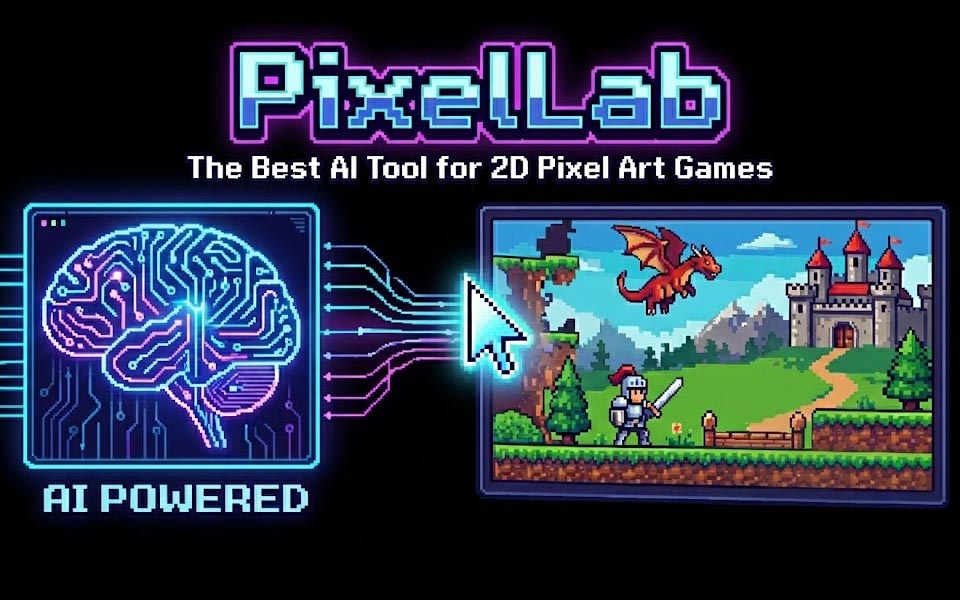
As a game developer, you know that finding or creating 2D assets and animations takes a massive amount of time and manual effort. But what if there was a way to streamline the art pipeline and generate game ready sprites in a fraction of the time? Well, there is, and it’s called PixelLab! PixelLab is an AI powered tool specifically designed to help you create pixel art assets, including 8-directional characters, tile sets, and even animations, with incredible speed. I’ve been testing PixelLab for my recent projects and experiments and found it to be an amazing tool that generates high quality and consistent 2D assets.
Overview
At its core, PixelLab is more than just an AI image generator. It’s a dedicated AI game dev tool built specifically for making 2D pixel art games. While general tools like Midjourney and Gemini NanoBanana struggle with things like transparency or “mixels,” PixelLab can generate pixel perfect images. Here’s a brief overview of all their features:
Core Features
- Text-to-Pixel Art: Generate character sprites, items, illustrations, and even UI from text descriptions.
- Directional Rotation: Create 4 or 8 directional views of a character suitable for top-down, isometric, and side scrolling games.
- AI Animation: Animate characters using text prompts or skeleton-based controls to create movements like walking, running, or attacking.
- Style Consistency: Use reference images to ensure new assets match the existing art style of your game.
- Map & Tileset Generation: Creates game worlds, environment tiles, and isometric maps based on prompts.
Editing & Integration Tools
- AI Inpainting: Allows users to modify specific parts of an image or character by describing the desired change.
- Aseprite Extension: Integrates directly into pixel art software Aseprite, allowing AI tools to be used within a local workflow.
- Pixelorama Integration: Offers a full-featured, browser-based pixel art editor for more manual control.
- AI Upscaling: Enhances the resolution of pixel art assets while maintaining visual quality.
- Vibe Coding (MCP): Use PixelLab with AI coding assistants (like Claude Code or Cursor) to generate game assets directly within an IDE.
I would also suggest checking out their YouTube for examples and tutorials.
How It Works
The best way to use PixelLab is through their Aseprite plugin. There’s also an API and web version but the Aseprite plugin gets updates every few days and always has the latest features from PixelLab AI. From the plugin you can directly generate and edit pixel art into your open file. This is really convenient as you can quickly make changes or edits as needed.
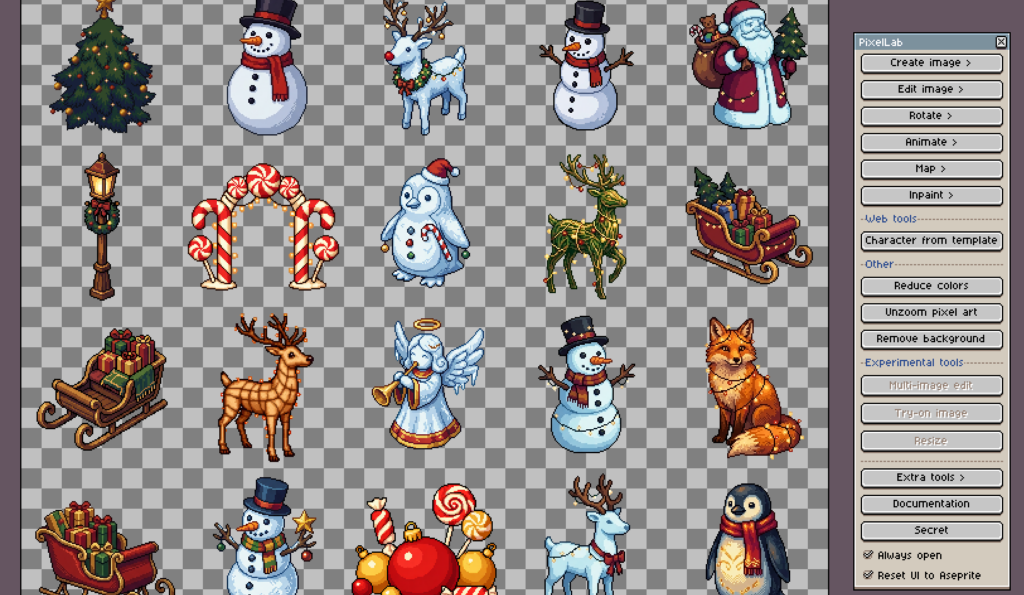
Use Cases and Examples
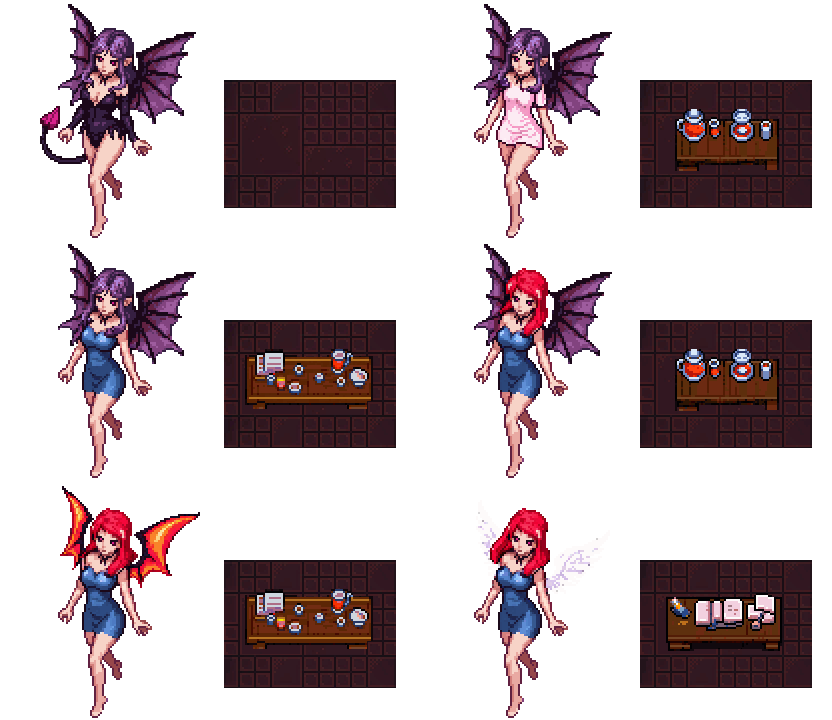
PixelLab has a lot of features and I haven’t used them all yet but I’ll show some examples of how I’ve been using the tool. It’s very good at generating characters and static sprites (e.g. props, items, icons, etc).
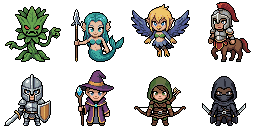
One of the most handy features that they just recently released was the ability to create images using a style reference. This makes it extremely easy to generate sprites that are the same style as your existing art. Check out the following video from PixelLab to get a better idea how it works:
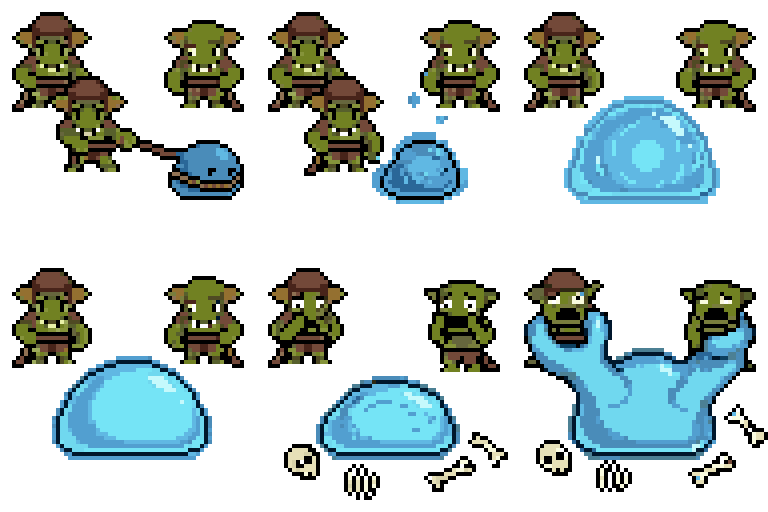
Animating things is also possible through text-to-animate as well as character animations. One of their tutorial video demonstrates this perfectly:
Pricing and Discount
The pricing model is straight forward. It’s offered as a subscription or pay-per-credit model. For most users the subscription is the easiest way to get access. There’s a free trial that lets you test it out with a few generations. You also get a discount based on the # of consecutive months you’ve been subscribed – maxing out at $9/m for tier 1 and $22/m for tier 2.
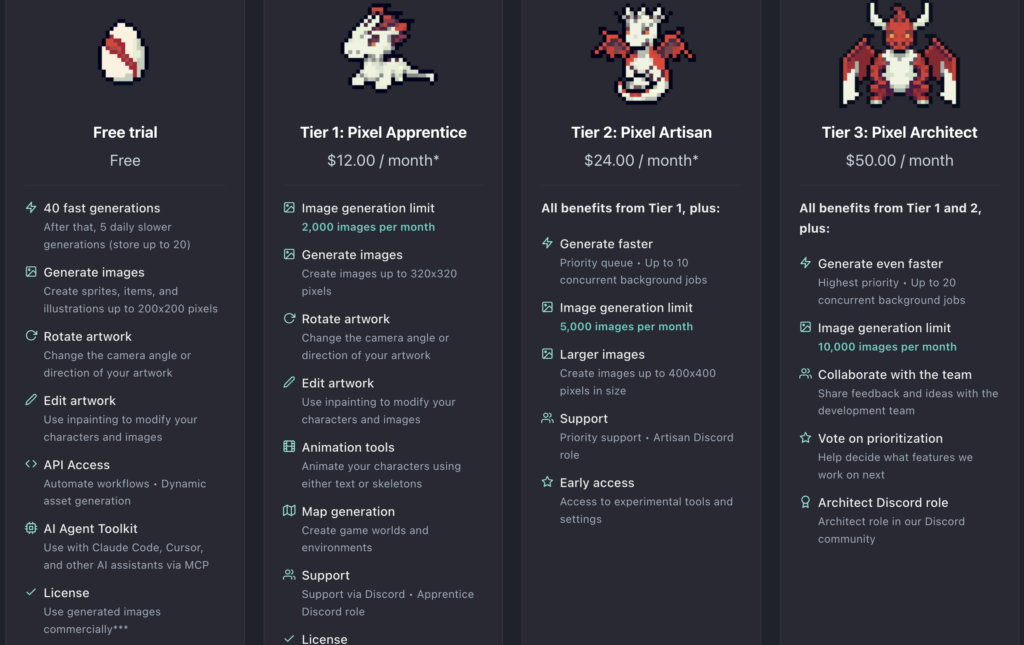
The basic generation tools use 1 credit per request. However, some of the newer models use 40 credits per request. The newer models are superior to the basic ones though, so it’s likely that you will be using those unless you are only doing simple generations. The basic generations are fine for making simple sprites and characters but if you want to make things based off of existing style and reference images, or generate longer framed animations the new models are the way to go.
It’s hard to give a good estimate of how many credits you’ll need per month for your own use case without testing the tool yourself though. I use a mix of basic and pro models for generation, but 2,000 – 3,000 credits is enough for me right now.
Depending on how big your sprites are you’ll get more generations out of each request. For example, if you are generating animations for a 32×32 sprite you’ll get 16 frames output per request but if your sprite is 128×128 you’ll get 4 frames per request.
PixelLab Discount
If you use the following codes you can get a $2 discount off your monthly subscription. The tier 1 discount is a little more bang for your buck. Apply the code in checkout to get the discount.
Tier 1 ($2 discount): CXOQWA_MONTHLY_TIER_1
Tier 2 ($1 discount): CXOQWA_MONTHLY_TIER_2
Areas for Improvement
While I really like PixelLab, there are definitely areas of improvement.
- Better support for small sprites 16×16 or smaller. While it’s possible to generate at 16×16 the results are noticeably better at larger sizes.
- Better documentation for tooling.
- There’s some video tutorials and written documentation but the tool updates so often that many are out of dates.
- It’s frustrating to need to “waste” lots of credits experimenting on how to best use each tool
- A cookbook with examples of the input prompt, settings, and the expected output would go a long way in improving this experience.
- Improved web tool support.
- The website creator is very convenient but it lacks features. Most of the features are only available in Aseprite.
- It’s understandable that the web tool is lower priority though, given that PixelLab is being developed by a small team. Better models and new features are more important than a better web experience.
Conclusion
Out of all the AI pixel art generation tools I’ve tried for game dev, PixelLab is the one standout. It’s the only tool I’ve tried that is consistently able to generate high quality, style accurate, and usable pixel art game assets. Many of the other tools only generate in a specific style, are poor quality, or can’t even actually generate pixel art.
The pricing model is extremely fair and you get a lot of value from the subscription. Tack on the discounts using the codes I provided above and it’s a great deal. The devs are also extremely active on their discord and there are always new features being added. I highly recommend PixelLab if you’re looking for a generative AI tool to boost your game dev productivity.

Jonathan
Hey there, I’m Jon! I love landscape photography which is why I travel all the time! On my blog I’ll share all the best spots for epic sunsets and sunrises as well as some photography tips and tricks. I also have a interest in game design so you’ll find the occasional post about that too. Thanks for visiting!